The Publishing Times
All the News That’s Fit to Publish
industry · Guides
How to Listen to Kindle Books With CastReader
Explore how CastReader can turn your Kindle books into audio, helping you reach more readers and enhance accessibility.
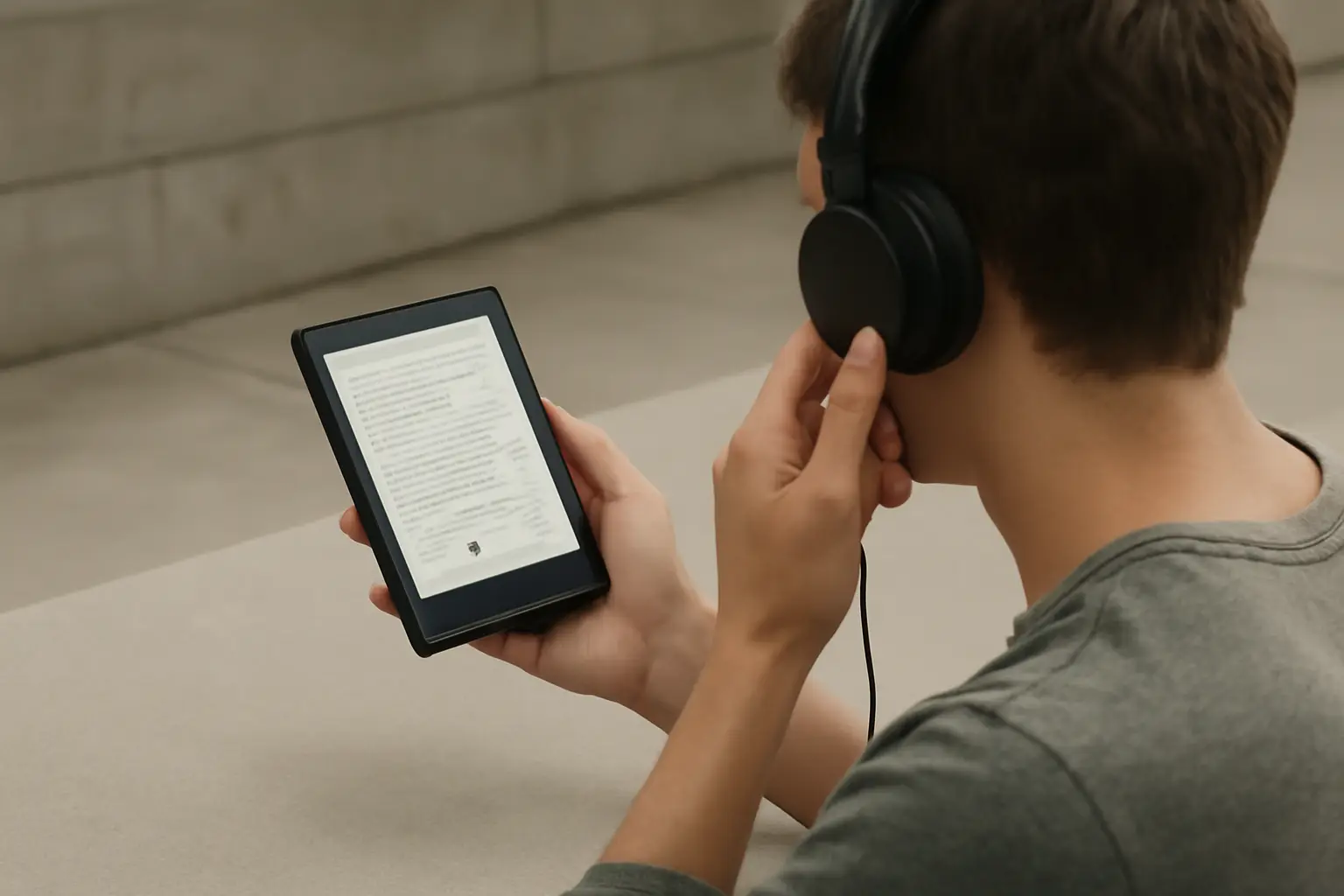
How to Listen to Kindle Books With CastReader
Here is an illustrative example: on a chilly November afternoon, an indie author we'll call Chris sat at his cluttered desk, frustrated by the confines of traditional reading. Despite his hard work publishing several titles, he realized that many of his potential readers preferred audiobooks over printed text. After a bit of research, he stumbled upon CastReader—a tool that could transform his Kindle books into an accessible audio format.
For indie authors like Chris, the growing popularity of audiobooks represents an important market trend. More and more people are turning to audio formats while commuting, exercising, or even during household chores. This means that embracing audio could be key to reaching a wider audience.
What Is CastReader?
CastReader is a third-party application designed to read aloud eBooks from various formats, including Kindle. This functionality not only enhances accessibility but also extends the life of your work beyond the printed page. Here’s how you, like Chris, can get started with CastReader to listen to your Kindle books.
Getting Started with CastReader
To begin utilizing CastReader, you need to follow a few straightforward steps that will allow you to engage with your Kindle books through audio.
- Download and Install CastReader: Visit the official website or the respective app store for your device. Follow the prompts to download and install the application.
- Authorize Your Kindle Account: Once installed, open the app and sign in using your Kindle account credentials. This step allows CastReader to access your library.
- Select Your Book: After logging in, browse through your eBook collection. Choose the Kindle book you want to listen to.
- Choose Your Voice Settings: CastReader typically offers a selection of voice options. Adjust the speed and tone based on your preference.
- Start Listening: Hit the play button, and let CastReader read your book aloud. You can pause, rewind, or fast-forward as needed.
Why Audio Matters
Consider this: the ability to experience a book through audio offers a distinct advantage in today's world. Many readers are searching for alternative ways to consume content, and employing audio can significantly broaden your reach.
Take Chris for example. After uploading his titles to CastReader, he not only appealed to his existing readers but also attracted a new crowd who appreciated the convenience of audio. Studies indicate that a considerable number of readers prefer listening while multitasking, providing an avenue for indie authors to embrace this new consumer behavior.
Accessibility Considerations
Making your Kindle books available in audio form is also about inclusivity. Many people with visual impairments or learning difficulties benefit enormously from audio versions of texts. By providing this option, you're not just reaching more readers—you're creating an enriching experience for those who rely on audio content.
Moreover, with the rise of platforms that curate audiobooks, indie authors like Chris stand a chance to raise their visibility and market their titles effectively. With CastReader, you can craft an audio experience that resonates deeply with a diverse audience.
What This Means for Authors
The move towards audio content reflects a significant shift in consumer preferences. As trends evolve, so must your approach to reaching readers. By adopting tools like CastReader, you're not only expanding your audience but also enhancing their experience with your work.
This adaptation requires a mindset shift—from traditional print-centricity to a more holistic view of how stories can be told. As an indie author, embracing these changes will ultimately raise your profile within the publishing world.
Your Next Step
This week, try listening to one of your Kindle titles using CastReader. Pay attention to how it feels to experience your story aurally and consider how this could affect your readers' reception of your work. What changes could you make to improve the audio experience of your books?
Source: Good e-Reader
How to Listen to Kindle Books With CastReader