The Publishing Times
All the News That’s Fit to Publish
publishing-news · Guides
Beventi Hooks Up Bookvault So Direct Orders Print and Ship Themselves
Jane Friedman's public notice and Beventi's help page say sellers can connect their own Bookvault account so paid orders print and ship without home inventory.
Authors who sell on Beventi can send paid print orders to Bookvault, which prints the books and posts them to readers. Jane Friedman reported the integration on October 28, 2026. The public sentence on that page says authors can now use print-on-demand for orders placed through Beventi, "without needing to keep stock or handle shipping." The rest of her article is limited to paid subscribers. The steps below are from Beventi's Bookvault printing guide.
How an order moves
The guide says the seller connects a Bookvault account they already have. Beventi does not create that account. The person who connects it has to be the Beventi account owner or a team Admin.
Only books the seller links are sent to Bookvault. Anything left unlinked keeps selling the way it does now. Paid orders for linked books can go out automatically, or they can wait until someone presses send.
The reader pays the seller for the book and for delivery, at the seller's own shipping rate. Bookvault then bills the seller's Bookvault balance for the printing and for the postage Bookvault actually uses. If that balance runs low, the order waits under Needs funds until the seller tops it up. Beventi does not add a separate printing charge. Its usual fee on what the reader paid still applies.
Checkout, the order page, and the emails, including the tracking note, show the seller's name rather than Bookvault's. If a reader replies to one of those emails, the reply comes back to the seller.
What stays with the seller
Some orders never leave on their own. The guide says event preorders and orders with a signed book wait so the seller can sign them. Wholesale orders wait too. Event pickups are collected in person and are not posted. The seller can still send a waiting order to Bookvault by hand.
A parcel that mixes a Bookvault book with something the seller posts themselves also stays put. The guide says the seller can ask Bookvault, in Settings, to ship only its part of a mixed parcel, if that option is switched on for the account. A book the reader paid a specific courier for stays with the seller as well.
Sellers who want copies in hand, rather than a reader shipment, can order stock from the same connection. The guide says those copies can be sent to the seller or to an event venue.
If the order is cancelled
The guide says that if the seller refunds or cancels, Beventi asks Bookvault to stop the job. Once printing has started, Bookvault may not be able to stop it, and a job that has already shipped cannot be stopped. The guide also says an Assistant can see where an order is and what it costs, but cannot send it or open the Bookvault pages under Integrations. Sending and settings stay with the owner and Admins.
Sources
- Jane Friedman, October 28, 2026: Beventi and Bookvault integrate for easier direct sales
- Beventi Help: How Bookvault printing and shipping works
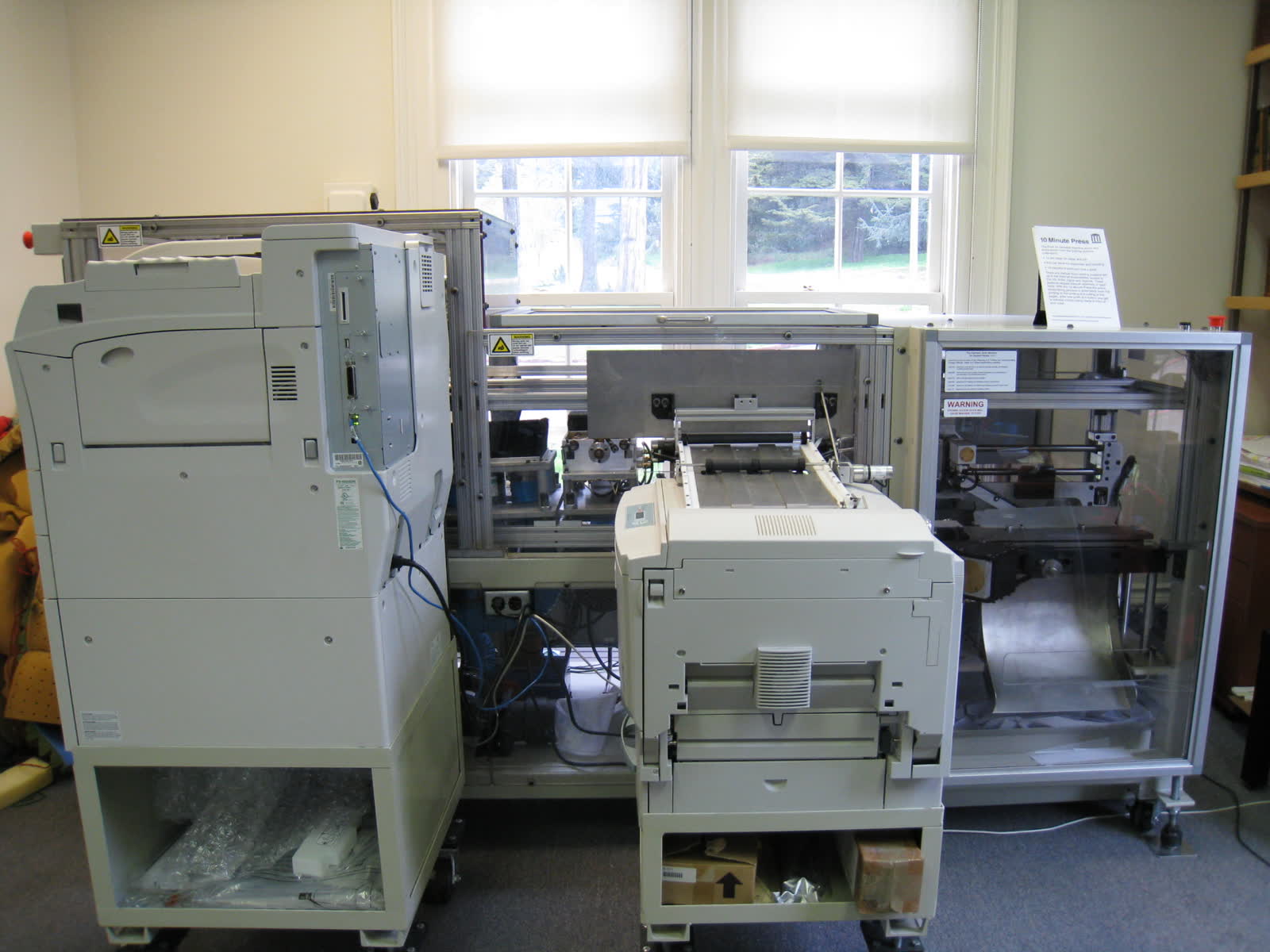
Photo: An on-demand book printer at the Internet Archive in San Francisco. Photo by Dvortygirl, via Wikimedia Commons, CC BY-SA 4.0.
