The Publishing Times
All the News That’s Fit to Publish
kdp-strategy · Guides
KDP Free ISBN vs Buying Your Own: What Changes and When It Matters
KDP's free ISBN works only on KDP and lists the publisher as Independently published. An ISBN you buy shows your imprint and can be used with other printers. Kindle ebooks need no ISBN.
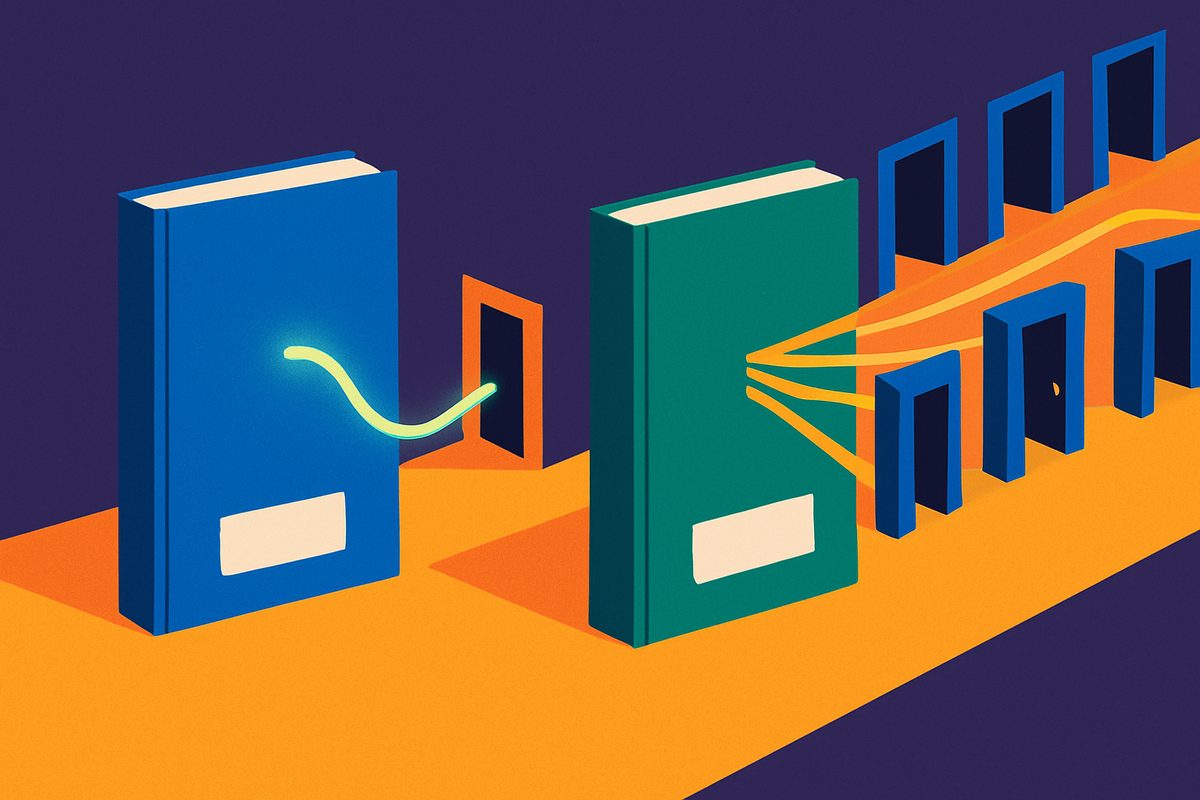
Should you use KDP's free ISBN or buy your own? Use the free one if the print edition will only ever be sold through KDP. Buy your own if you want your publishing name on the book or plan to print the same edition anywhere else. KDP's help page What is an ISBN and Imprint? states the trade-off in two sentences: "Free ISBNs from us can only be used on KDP. They cannot be used to publish outside of KDP." A book on a free ISBN also lists its publisher as "Independently published." Kindle ebooks need no ISBN at all.
This explainer sets out what each option does, what it costs, the mistakes that block publishing, and the one point after which the choice can no longer be undone.
What an ISBN covers on KDP
An ISBN identifies one format of one edition. KDP's help page says "each format of your book (paperback vs hardcover) needs its own ISBN" and that "the same ISBN cannot be reused across multiple book formats or new editions that introduce significant changes from the original version." A novel published as a paperback and a hardcover therefore needs two ISBNs, whichever route you take.
Two formats are exempt. KDP says "eBooks and low-content books are the only formats where an ISBN is optional," and its Get an ISBN page adds: "You don't need an ISBN for eBooks on KDP." Amazon identifies a Kindle edition by its own number, the ASIN. The ISBN question is a print question.
The free KDP ISBN
KDP offers a free ISBN for paperbacks and hardcovers. "Choosing this option means KDP will register an ISBN, using your book details, with Bowker (US ISBN agency)," the Get an ISBN page says. You choose "Get free KDP ISBN" in the ISBN section of the paperback or hardcover content page and click "Assign ISBN." There is nothing to register yourself.
Three limits come with it:
- It stays on KDP. The number cannot be used to publish the same book through IngramSpark, Draft2Digital or any other printer. IngramSpark's title transfer page confirms the other side: "If you used a free ISBN from KDP or if your book is KDP Exclusive (meaning only sold via Amazon), it cannot be transferred with its current ISBN."
- The publisher is "Independently published." KDP's summary table says a free ISBN is "Automatically registered as 'Independently published' in Bowker" and that the book's detail page "will show imprint name 'Independently published'." You cannot list your own imprint on that edition.
- Low-content books are excluded. KDP says "Low-content books are not eligible for free ISBNs." Journals, planners and similar books can publish without an ISBN or with one you bought.
The free ISBN does not lock you out of the wider print market entirely. KDP's Expanded Distribution program, which offers paperbacks to bookstores and libraries through distributors, accepts either kind: "The paperback can have an ISBN you bought or one assigned by KDP." Hardcovers are not eligible for Expanded Distribution under either option.
Buying your own ISBN
An ISBN you buy belongs to you, and it can travel. KDP's Get an ISBN page says a purchased ISBN "can be used to publish the same book on other publishing services," and that the book's detail page "will show the imprint name you enter to publish your book." That imprint is the publisher name you registered with the ISBN agency, such as a business or brand name.
In the United States, ISBNs are sold by Bowker, the official U.S. agency. Its MyIdentifiers store listed these prices when The Publishing Times checked on October 8, 2026:
| Package | Price | Per ISBN |
|---|---|---|
| 1 ISBN | $125 | $125.00 |
| 10 ISBNs | $295 | $29.50 |
| 100 ISBNs | $575 | $5.75 |
Bowker notes that "ISBNs never expire." Because each format needs its own number, a book released as a paperback, a hardcover and an ebook sold outside Amazon can use three. That is why the 10-pack costs less than three single ISBNs. KDP's page also says "Bowker does offer discounted rates for KDP authors," without giving a figure.
Outside the U.S., the national agency is the source. In Canada, Library and Archives Canada says eligible Canadian publishers "may request free ISBNs for printed books, ebooks, audio books and educational or instructional DVDs." The same page says ISBN Canada "does not issue ISBNs for works whose content is primarily generated by AI." Bowker's page warns that an ISBN obtained from a source other than the official agency "might not identify the publisher of the title accurately."
One common belief is wrong. An ISBN is an identifier, not a right. Bowker says plainly: "The ISBN conveys no legal or copyright protection." Using a free ISBN from KDP, IngramSpark or Draft2Digital does not transfer your copyright either. Draft2Digital's help center says of its own free numbers: "Your copyright remains with you."
Other platforms offer free ISBNs on the same terms
KDP is not unusual. IngramSpark gives free ISBNs to U.S. publishers, but its Print Book Setup Guide says "you can only use this ISBN with IngramSpark" and that "the imprint listed for your book will be 'Indy Pub.'" IngramSpark also sells an owned ISBN during setup at what its FAQ calls "a discounted rate ($85)." Draft2Digital's ISBN article says: "An ISBN from Draft2Digital can only be used when distributing through Draft2Digital."
The practical result is the same everywhere. A free ISBN ties that edition to the platform that issued it. An author who wants one paperback ISBN on both KDP and IngramSpark needs an ISBN they own.
Matching details: the error that blocks publishing
Bringing your own ISBN adds one step that trips up many authors. The title, author name and imprint you enter in KDP must match the agency record exactly. KDP's help page says "Entering ISBN and imprint details are case-sensitive. Even extra spaces at the end of the imprint name can cause mismatch errors," and warns against placeholders "such as 'unknown' or 'n/a.'" The imprint field has a 100-character limit.
A mismatch shows up in a vague way. KDP's Troubleshoot ISBN errors page says an error asking you to "Please fix the highlighted issue" when no field is highlighted "typically means there's an issue with your ISBN or imprint." Its advice is to copy and paste the details straight from the agency's site. If you change the record at Bowker, "it can take up to 5 business days for KDP to pick up changes."
The choice is fixed once you publish
This is the part to settle before you click Publish. KDP's Change or view your ISBN page says "ISBNs cannot be changed if your book is published." To move a published paperback from a free ISBN to your own, "you'll have to unpublish the book and then publish a new edition." While a book is still a draft, the ISBN can be swapped freely.
Barcodes are not a separate purchase on KDP
You do not need to buy a barcode to go with either ISBN for a KDP print book. KDP's Barcodes page says that if you upload a cover without one, "we'll add a barcode to your cover," and calls the Amazon-placed barcode "guaranteed to meet all manufacturing requirements." Covers with images or text in the barcode area are rejected.
Which to choose
- Amazon-only paperback or hardcover: the free KDP ISBN does the job, including Expanded Distribution for paperbacks.
- Your own imprint on the book: buy your own. The free ISBN always shows "Independently published."
- The same print edition through IngramSpark, Draft2Digital or another printer: buy your own, before the first publish.
- Kindle ebook: no ISBN is needed on KDP.
For the wider decision about selling only through Amazon, see our guide to KDP Select versus publishing wide and our comparison of IngramSpark and KDP Print. If you are deciding on formats, our piece on hardcover versus paperback on KDP covers the trade-offs. For rates and the rest of the platform, start with The Publishing Times' KDP guide and the KDP news hub.
What we don't know
KDP does not say how much the Bowker discount for KDP authors is, or how to claim it, on the pages cited here. The Publishing Times could not find a KDP statement on whether the "Independently published" imprint affects how bookstores or libraries treat a title. KDP says acceptance into Expanded Distribution is the distributors' decision, and it does not publish their criteria beyond its requirements list. Bowker's prices can change, so check the store before buying.
Sources
- Amazon KDP Help, "What is an ISBN and Imprint?": https://kdp.amazon.com/en_US/help/topic/G201834170
- Amazon KDP Help, "Get an ISBN": https://kdp.amazon.com/en_US/help/topic/GTJ8LBXL6Z4WV5QX
- Amazon KDP Help, "Change or view your ISBN": https://kdp.amazon.com/en_US/help/topic/G8BYTM8CVK74676V
- Amazon KDP Help, "Troubleshoot ISBN errors": https://kdp.amazon.com/en_US/help/topic/GRBXANE8Q9P9V2FL
- Amazon KDP Help, "Expanded Distribution": https://kdp.amazon.com/en_US/help/topic/GQTT4W3T5AYK7L45
- Amazon KDP Help, "Barcodes": https://kdp.amazon.com/en_US/help/topic/G5HDYGP4BXLX4RUW
- Bowker MyIdentifiers, "Buy ISBNs": https://www.myidentifiers.com/identify-protect-your-book/isbn/buy-isbn
- Library and Archives Canada, "About ISBNs": https://www.canada.ca/en/library-archives/services/publishers/isbn/about.html
- IngramSpark, Print Book Setup Guide: https://www.ingramspark.com/hubfs/Print%20Book%20Setup%20Guide.pdf
- IngramSpark, "Title Transfer": https://www.ingramspark.com/lp/title-transfer
- IngramSpark, FAQs: https://www.ingramspark.com/faqs
- Draft2Digital Help, "Do I need to buy an ISBN?": https://draft2digital.freshdesk.com/support/solutions/articles/4000203526-do-i-need-to-buy-an-isbn-